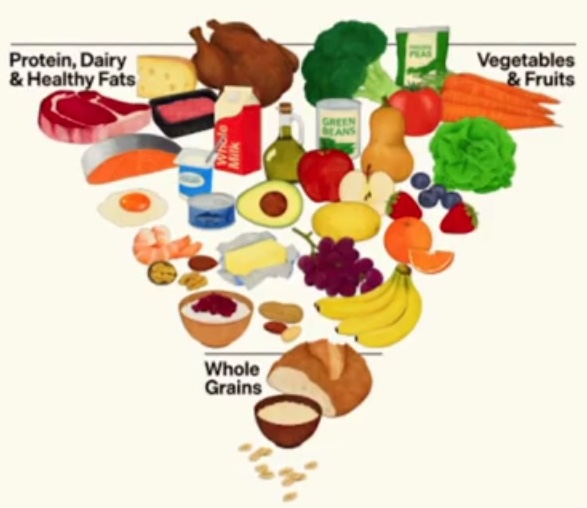
Click items to record what you ate on Mon, Jan 26.
Toggle pencil to show tier headers and Edit buttons.
Edit Tier
Add/remove foods for this tier (per profile).
Choose which side of the tier you are editing.
Press Enter or click Add Food.
Leave blank to auto-suggest a .jpg name.
Tip: You can edit names and image filenames inline. Changes save automatically for the active profile.
If an image filename is just good_broccoli.jpg, the app loads it from IMAGE_FOLDER.
Profiles
Login (no password), join a new profile, or log off.
Choose where to store your Pyramids data.
Keep data on this device only
Profiles, eat and shopping lists stored in this browser only.
Profiles separate data for each family member.
Tip: use an email so it matches server profiles if you enable remote storage.
Store data remotely to use multiple devices
Sign in to access your server profiles. (Cross-device eating/shopping sync comes in later phases.)
To create a new account or sign in, use email + password.
Selecting a server profile will (a) set it as active on the server and (b) log you into a local profile
with the same name on this device.
Not signed in.
Advanced (localhost only): you can also paste an auth token directly.